Canva Work Samples
Canva is one of my favorite tools to bring learning experiences to life. I love how its intuitive design features let me create clean, engaging visuals that support instruction without distraction. Whether it’s building polished slide decks, interactive learning materials, or quick prototypes, Canva helps me translate ideas into visuals that feel modern, accessible, and learner-focused. Its flexibility lets me experiment, iterate, and deliver designs that elevate the learning experience—efficiently and creatively.
Canva Work Samples
Untangling the Web of Instructional Design 4-Part Micro-Training Series + Decision Cheat Sheet | Canva
The Problem Educators and aspiring learning designers consistently struggle to distinguish between the foundational building blocks of instructional design — theories, models, frameworks, and approaches. These terms are often used interchangeably in the field, creating confusion during the design process and making it harder to justify design decisions with confidence.
The Solution I designed a four-part micro-training series in Canva that breaks down each component of the ID ecosystem into a standalone, visually cohesive learning module. Each part follows a consistent instructional arc — concept introduction, comparative analysis, applied practice, and reflective close — grounded in Merrill's First Principles and Mayer's Multimedia Principles. A companion Decision Cheat Sheet was developed as a performance support tool learners could reference during their own design work. The series was distributed via TikTok and Instagram, meeting learners in the social learning spaces they already occupy.
The Result This project demonstrates the full ADDIE cycle: needs analysis informed by real gaps observed in educator communities, design grounded in established instructional frameworks, and built-in formative evaluation through embedded practice activities and community engagement. The companion cheat sheet extends learning beyond the modules as a true mid-project decision tool — not just a summary.
Tools: Canva · Google Drive · TikTok · Instagram Frameworks: Merrill's First Principles · Mayer's Multimedia Principles · UDL
Canva Work Samples
Translating Teacher Experience into a Pivot Resume Practical Guide & Job Aid | Canva
The Problem Educators making the transition into instructional design, eLearning, or customer education often have the right skills but the wrong language. Their resumes accurately describe their work — but in K–12 terms that hiring managers outside of education struggle to recognize as relevant. The result is qualified candidates being overlooked not because of what they've done, but because of how it's described.
The Solution I designed a 12-page practical guide in Canva that walks educators through the process of translating their classroom experience into the language of learning design and corporate training — without erasing or inflating what they've actually done. The guide includes a core mindset reframe ("translate, don't rewrite"), side-by-side translation examples across three role types — Instructional Design, eLearning Development, and Customer Education — guidance on tailoring language to specific job postings, honest tool-listing tips, and a Resume Readiness Checklist learners can use before submitting any application. The design follows Mayer's Multimedia Principles throughout: clean layouts, intentional visual hierarchy, and content chunked for quick, practical use rather than passive reading.
The Result This guide functions as both a standalone performance support tool and a lead magnet for the Designing Natalie platform — demonstrating my ability to identify a real gap in a specific learner community, design a resource that meets them where they are, and deliver it in a format that is immediately actionable. It also reflects the mission at the core of my work: that teachers already have what it takes, and sometimes the only thing standing between them and the next opportunity is the right translation.
Tools: Canva Frameworks: Mayer's Multimedia Principles · Learner-Centered Design · Performance Support
Canva Presentation Work Samples
Virtual Recorded Training Presentations
This project is a comprehensive instructional slide presentation designed to help educators strengthen social presence in online learning environments. Drawing on the Community of Inquiry Framework and key social-presence research, this presentation explains the impact of authentic communication, instructor visibility, and peer interaction on learner engagement, motivation, and self-regulation.
This project is a concise faculty training module introducing instructors to the core features of Canvas LMS and best practices for online teaching. It equips educators with practical strategies for course organization, student engagement, assessment, and strong instructor presence to improve learning outcomes.
Canva Work Samples
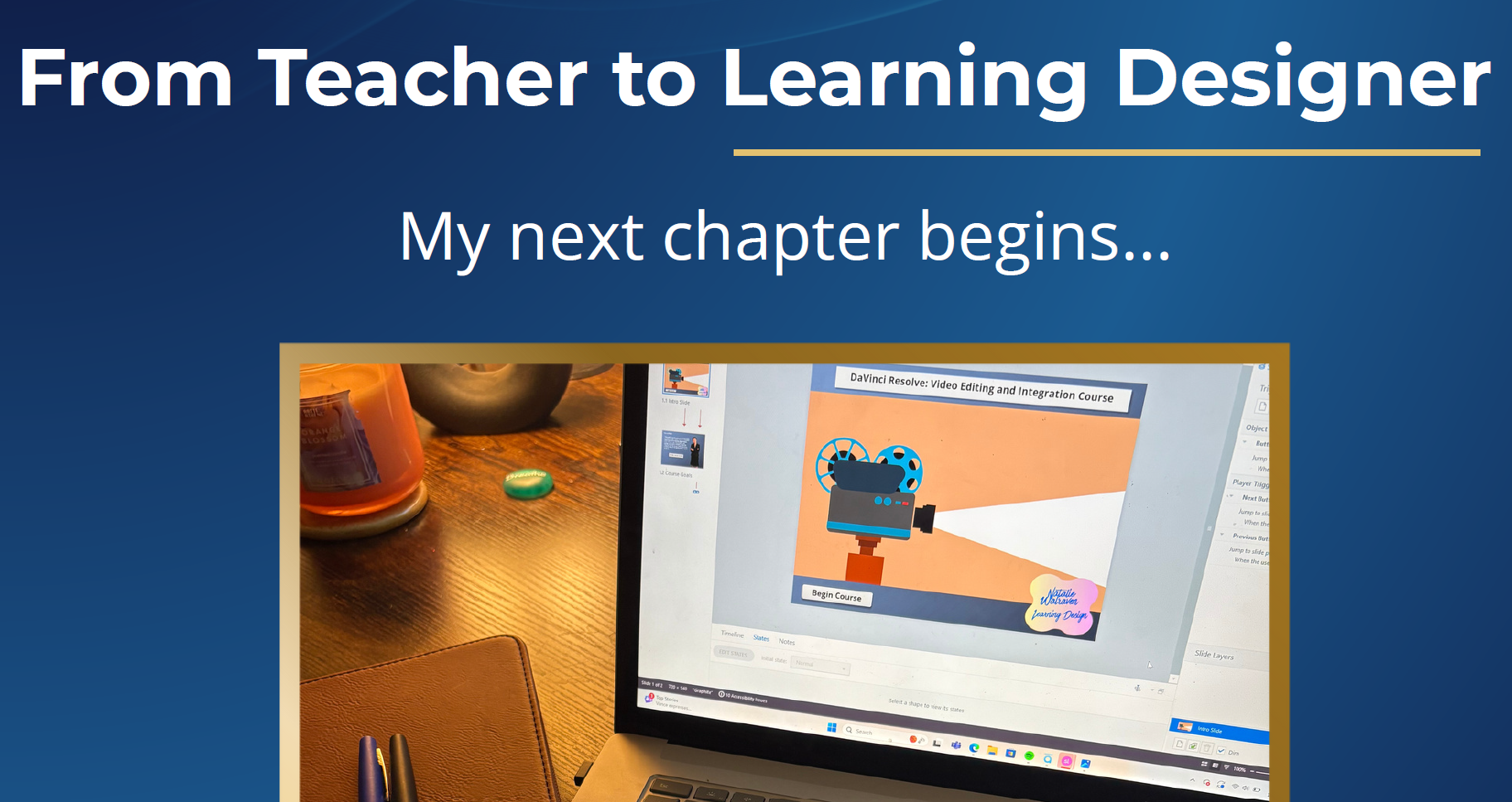
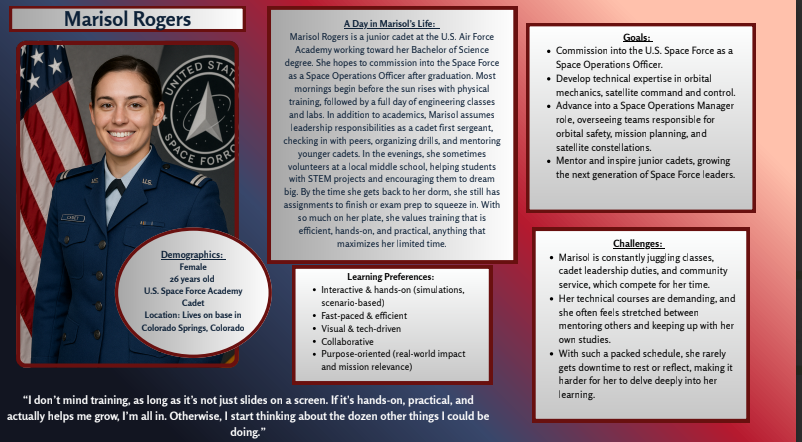
Click below to view a Canva carousel I made for social media and the learning persona I created for my Articulate Kessler Project.